

Calendar of Events

Healthcare Continuing Education Professionals Day™ was celebrated on January 24, 2025
Please save the date for next year: January 15, 2026
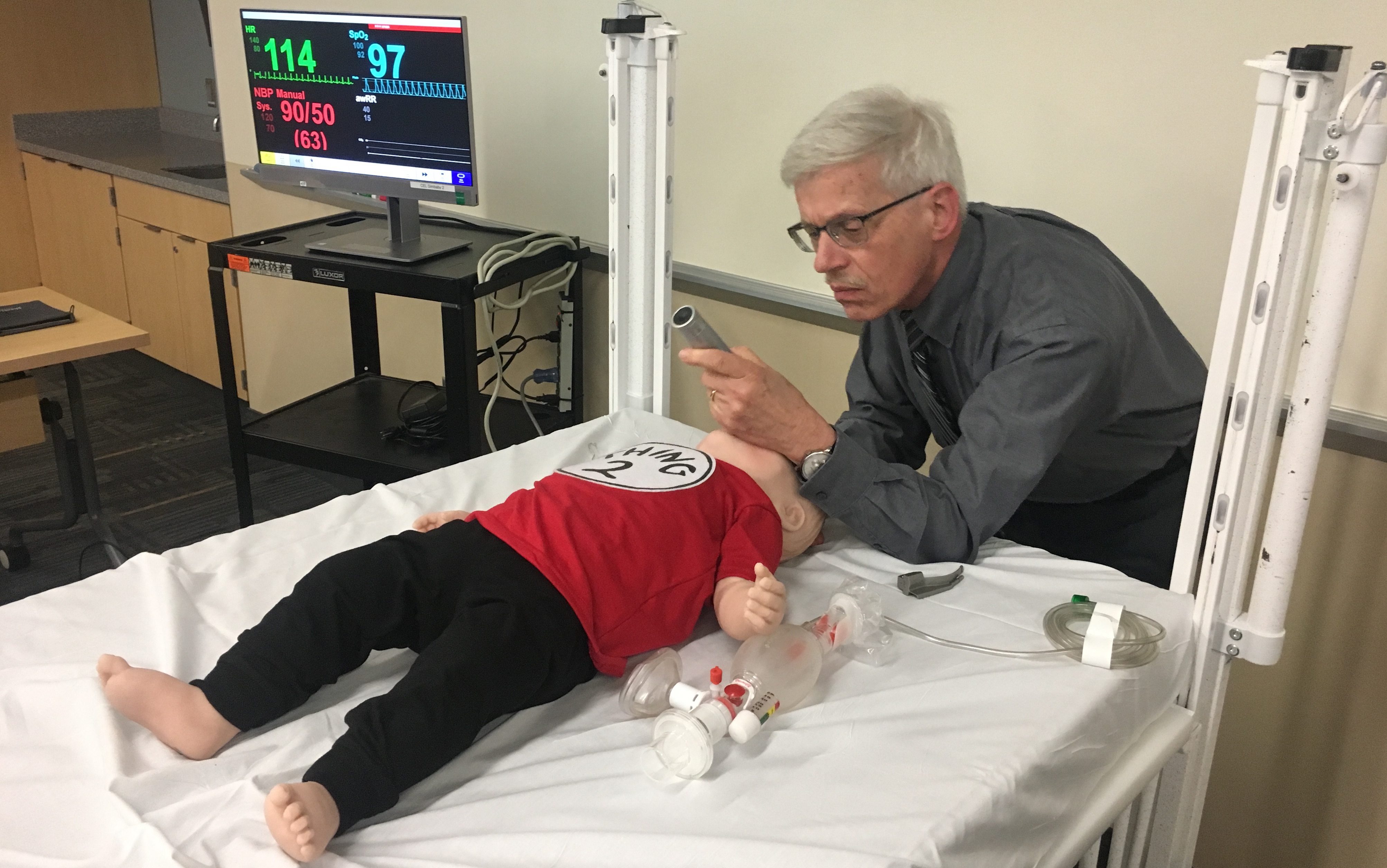
Dr. Elise Van der Jagt intubates an infant mannequin
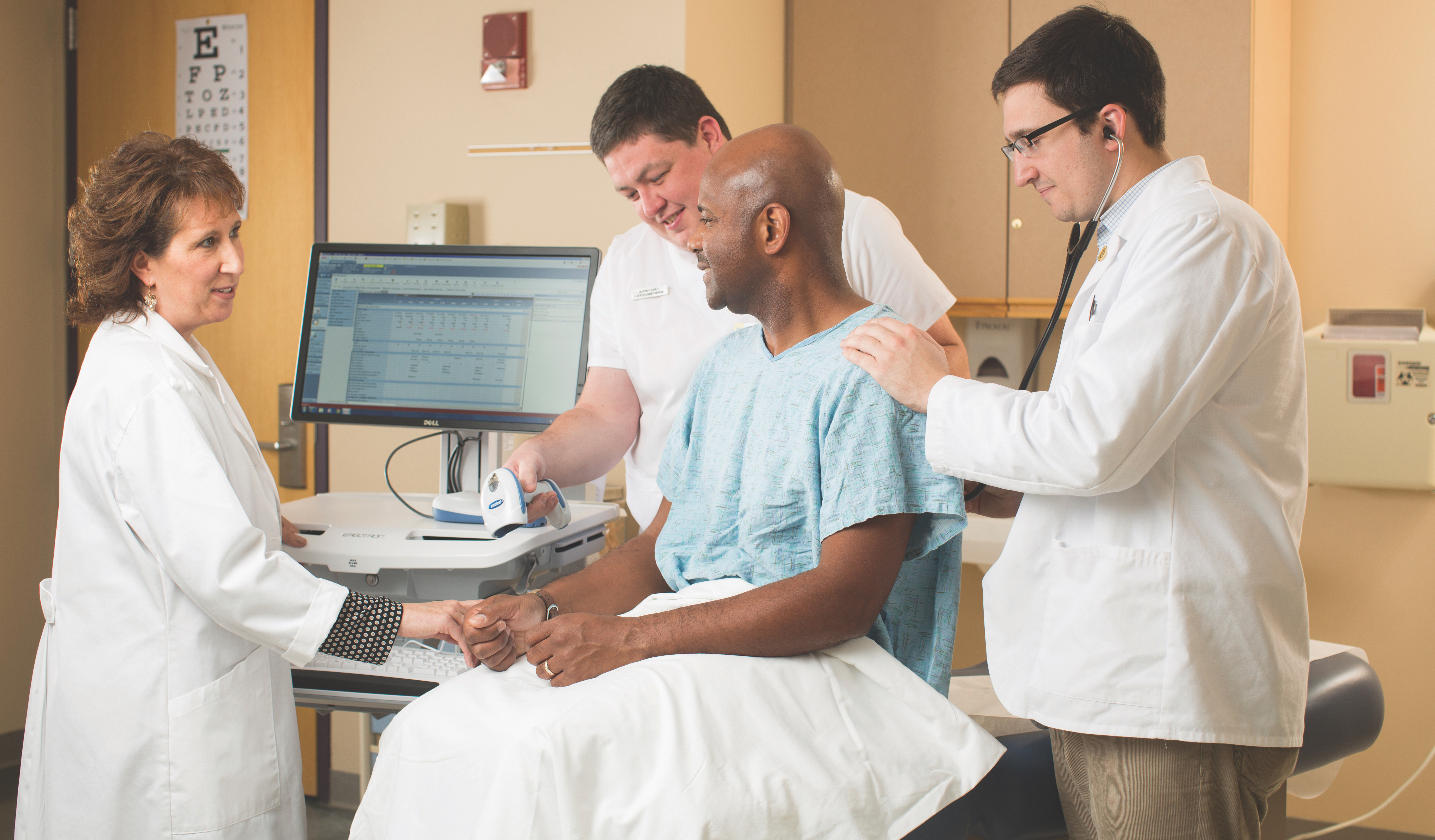
Standardized Patient Program
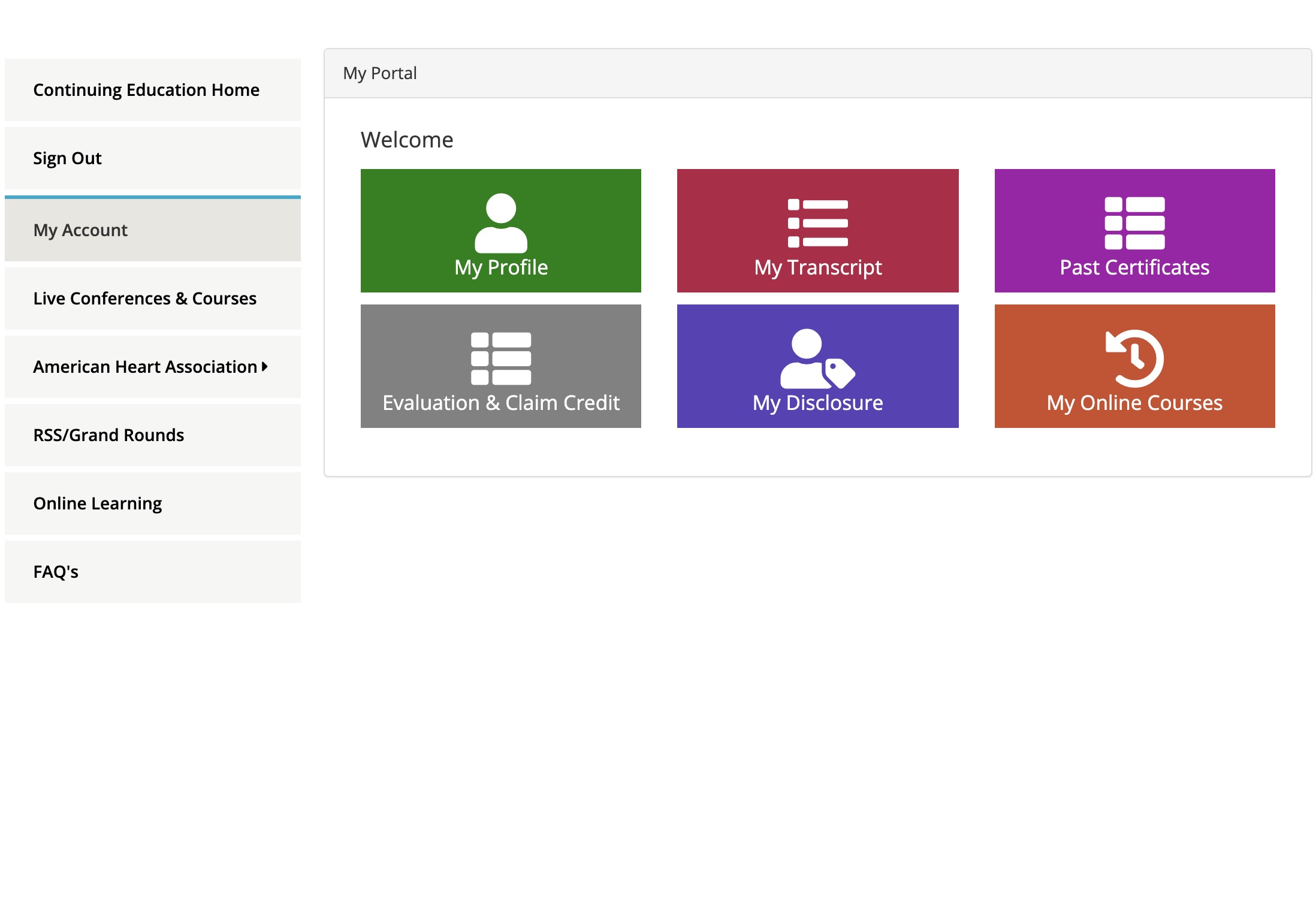
CEL unveils new Continuing Education portal
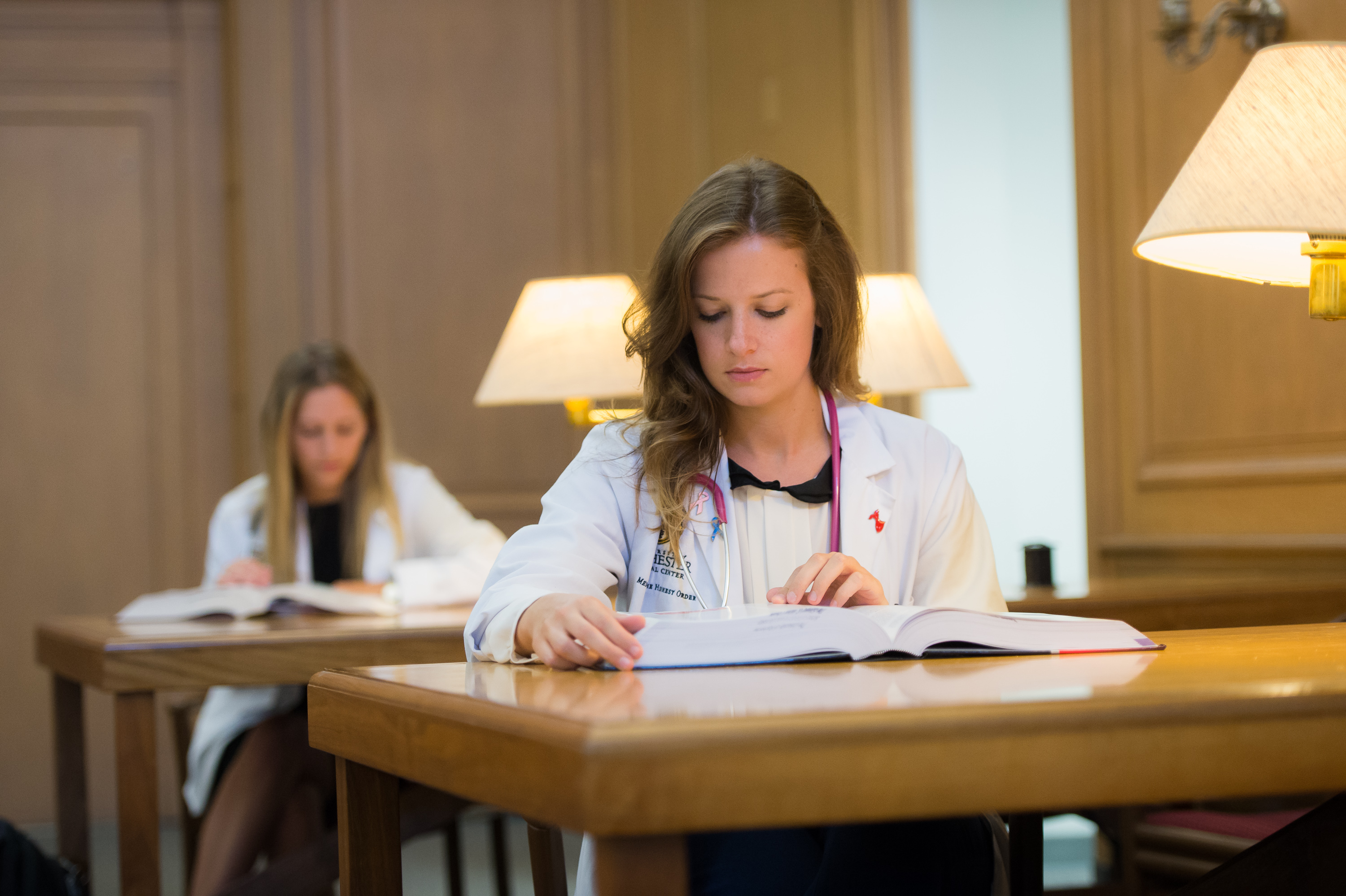
Looking for quiet or collaborative space? Look no further than Miner Library!
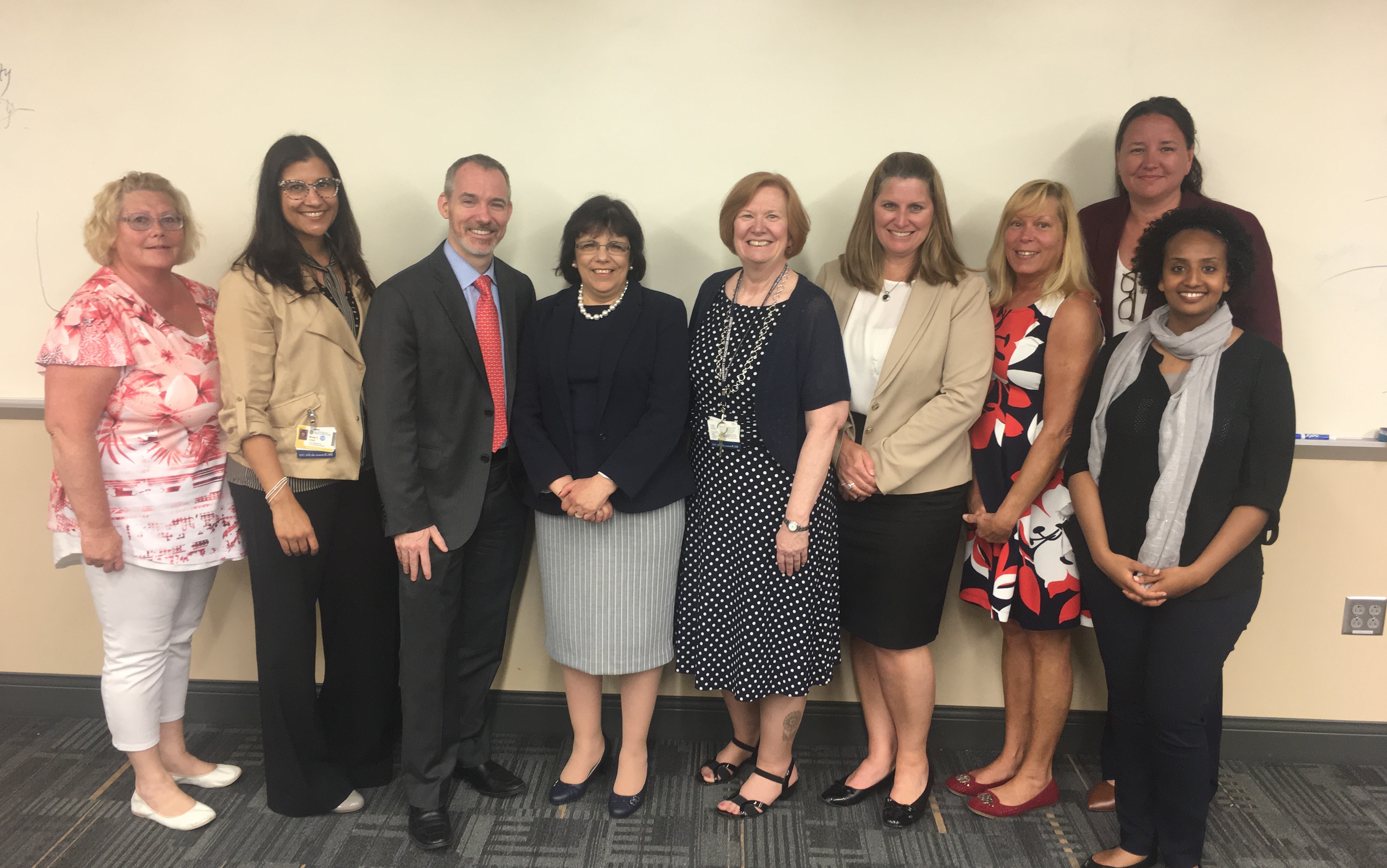
CEL amongst top 5%25 of Accredited CME Providers

The Office for CME presented a research poster at ACCME’s annual meeting, Learn to Thrive 2023 in Chicago.

The Office for CME presented a research poster at the Annual Faculty Development Colloquium in the Health Professions in June 2024 at URMC.
July 10
8:30 AM
URMC Center for Experiential Learning
The American Heart Association’s BLS course trains participants to promptly recognize several life-threatening emergencies, give high-quality chest compressions, deliver appropriate breaths and ventil...
July 20
5:00 PM
URMC Center for Experiential Learning
The American Heart Association’s BLS course trains participants to promptly recognize several life-threatening emergencies, give high-quality chest compressions, deliver appropriate breaths and ventil...
July 28
1:00 PM
URMC Center for Experiential Learning
The American Heart Association’s BLS course trains participants to promptly recognize several life-threatening emergencies, give high-quality chest compressions, deliver appropriate breaths and ventil...
August 04
1:00 PM
URMC Center for Experiential Learning
The American Heart Association’s BLS course trains participants to promptly recognize several life-threatening emergencies, give high-quality chest compressions, deliver appropriate breaths and ventil...
August 13
8:30 AM
URMC Center for Experiential Learning
The American Heart Association’s BLS course trains participants to promptly recognize several life-threatening emergencies, give high-quality chest compressions, deliver appropriate breaths and ventil...
More Events »